
ODOO 19 AI: Talk to Your ERP in Natural Language
For years, “AI in ERP” meant a chatbot bolted onto a dashboard or a predictive-analytics add-on you had to configure separately. Odoo 19 changes that story. It is the first Odoo release built with AI as a core part of the platform rather than an optional extra — woven into CRM, accounting, inventory, HR, and the apps your team already opens every day.
If you’re running a business on Odoo, evaluating an upgrade, or considering Odoo for the first time, here’s what Odoo 19’s AI features actually do, why they matter, and how to think about adopting them.

WHAT'S DIFFERENT ABOUT ODOO 19
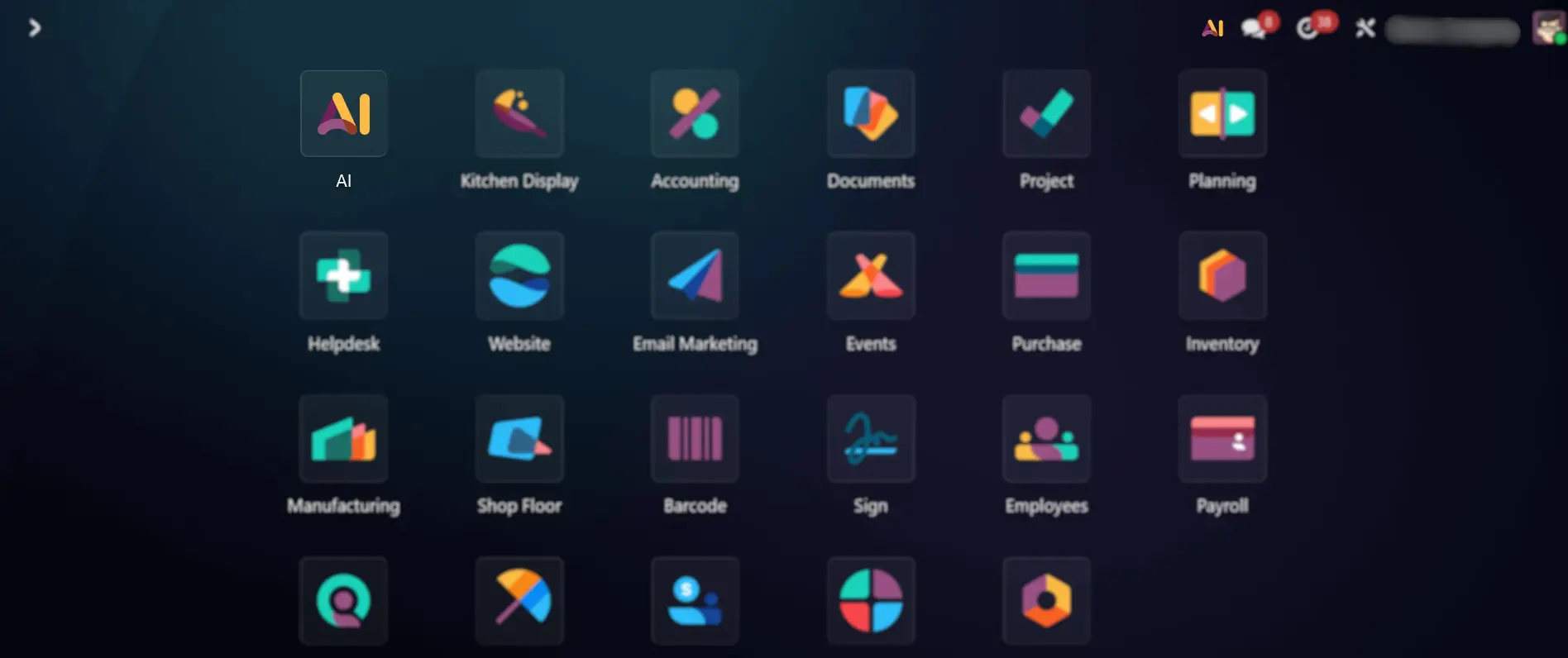
Odoo 18 introduced the early building blocks — text generation, content summarization, and some AI-assisted insights. Odoo 19 goes much further. It ships with a dedicated AI app that connects across the entire suite, giving you:
- AI Agents that can take action, not just answer questions
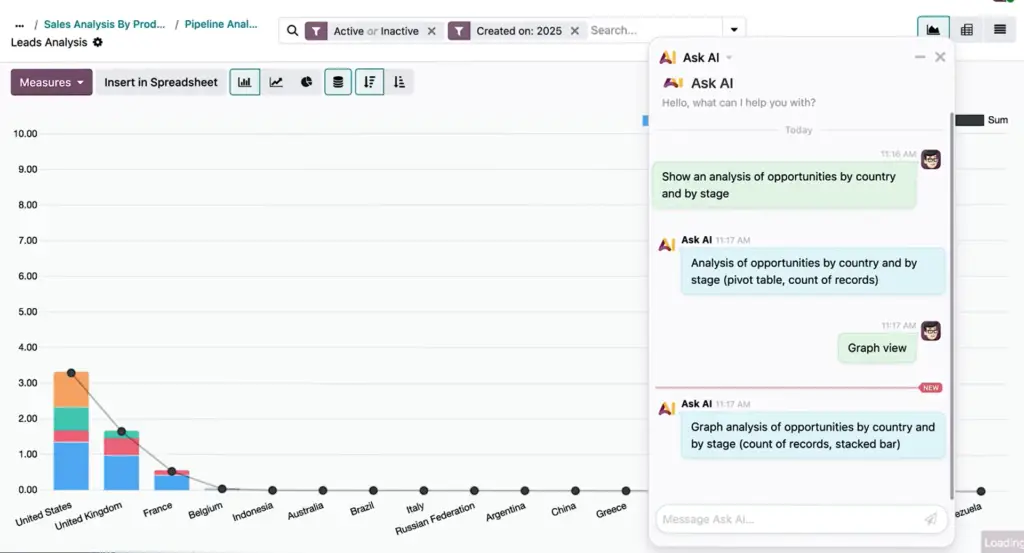
- Natural language database search — ask a question in plain English and get real data back
- AI Fields inside Odoo Studio, so you can add AI-generated content to any custom field
- No-code automation built from plain-language prompts
- AI trained on your own documents and internal knowledge base
- Live meeting transcription inside the Discuss app
In short: Odoo 19 lets you talk to your ERP system, and it talks back with actions, not just answers.
WHO CAN USE ODOO 19'S AI FEATURES
Most AI capabilities in Odoo 19 are available on Odoo Enterprise edition. To get started, you’ll connect an AI provider (Odoo supports OpenAI’s ChatGPT and Google Gemini) under Configuration → AI Settings, then activate the AI Agents module. From there, AI capabilities become available across the modules you already use — no separate installation required for most features.
This is a meaningful shift from earlier versions, where AI felt like an add-on. In Odoo 19, it’s part of the infrastructure.

WHY THIS MATTERS IF YOU'RE STILL ON AN OLDER VERSION
If you’re running Odoo 16, 17, or even early Odoo 18, the gap between what your team does manually today and what Odoo 19 can do automatically is only going to widen. Businesses that upgrade early tend to gain two advantages:
Time savings that compound. Automated lead routing, reconciliation, and replenishment don’t just save a few minutes — they save a few minutes, every day, across every department, forever.
A cleaner migration path. The longer you wait, the more customizations and data history you’ll need to carry forward. Upgrading sooner, with the right implementation partner, is almost always simpler than upgrading later.
GETTING STARTED WITHOUT THE GUESSWORK
AI features are only as useful as the setup behind them. A poorly configured AI Agent can create noise instead of value — irrelevant lead scores, automations that fire at the wrong time, or reports that don’t match how your business actually operates.
This is where the right implementation partner makes the difference between “we have AI in our ERP” and “AI is actively saving our team hours every week.” At Ameya Labs, we help businesses:
- Assess whether an Odoo 19 upgrade makes sense for their current setup
- Configure AI Agents and automations around real workflows, not generic templates
- Migrate custom modules and historical data safely
- Train internal teams so AI adoption actually sticks
THE BOTTOM LINE
Odoo 19 isn’t a minor version bump — it’s a shift in how ERP systems are expected to work. AI is no longer a feature you turn on; it’s becoming the way you interact with the system itself. Businesses that get ahead of this shift will spend less time on manual, repetitive work and more time on the decisions that actually need a human.
From demo and setup to implementation and upgrades, Ameya Labs helps businesses get the most out of Odoo 19.
Contact Ameya Labs to discuss your requirements and explore the right Odoo 19 solution for your business.